Unlock Intelligent Automation: The Definitive Guide to No-Code AI Builders
Imagine creating a smart system that predicts customer behavior without writing a single line of code. Until recently, this was only possible for developers or large corporations with big budgets.
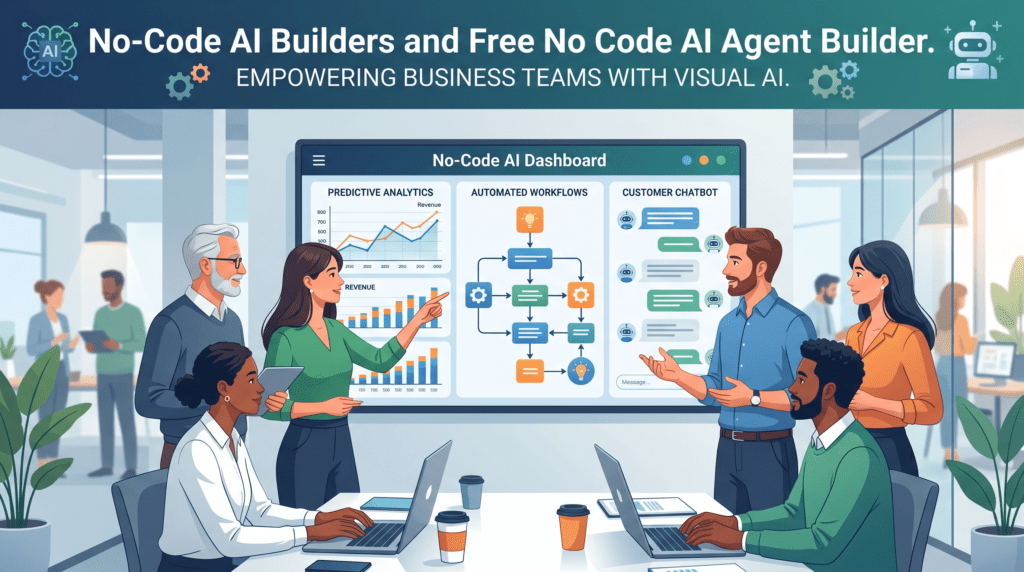
Today, no-code AI builders have revolutionized this landscape, empowering business teams and citizen developers to create advanced machine learning tools effortlessly. This shift accelerates innovation, reduces operational costs, and allows organizations to implement AI solutions quickly. This article provides an informational overview of no-code AI builders , their capabilities, applications, workflow, tools, and best practices.
Understanding No-Code AI Builders
What defines a No-Code AI Platform?
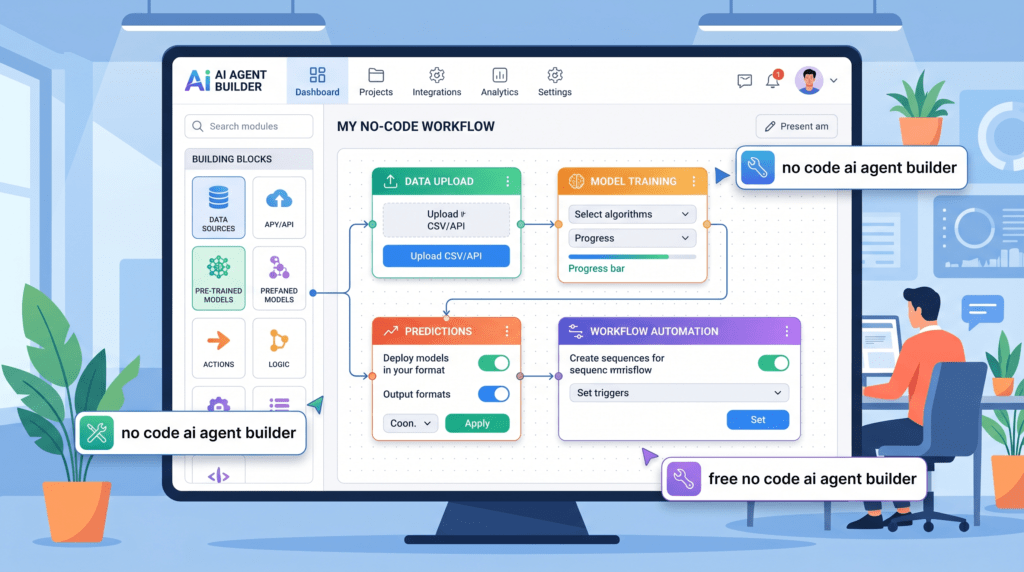
No-code AI platforms are visual tools that let users design, train, and deploy AI models without coding expertise . Core characteristics include:
- Drag-and-drop components for building data pipelines and configuring algorithms.
- Pre-built templates for common tasks like text classification, sentiment analysis, and image recognition.
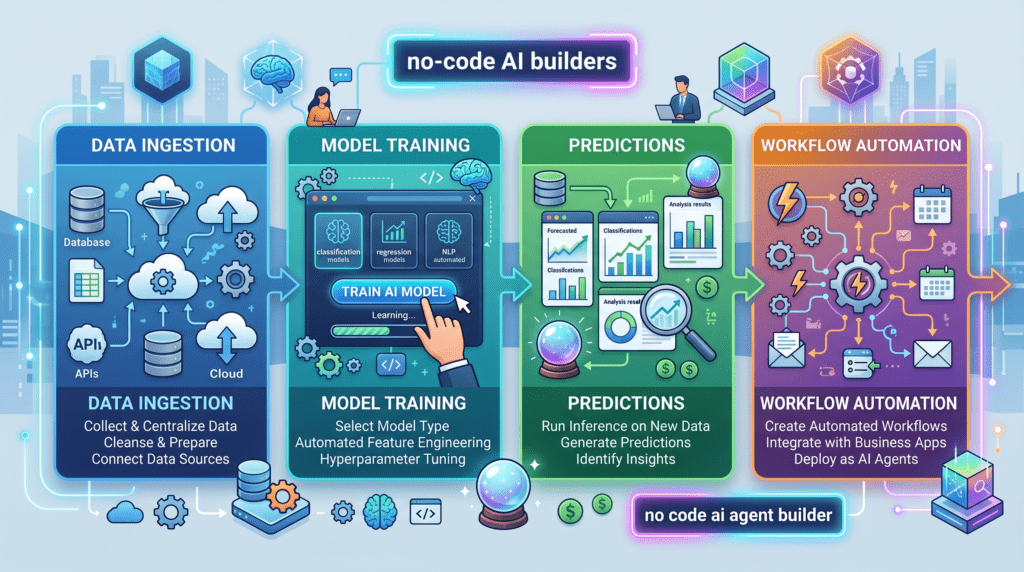
- Automated pipelines that clean data, train models, and generate predictions behind the scenes.
Unlike low-code platforms, which still require some scripting for advanced features, no-code AI platforms allow users to focus on strategy and insights instead of syntax .
The Business Case for Accessible AI
No-code AI builders provide measurable business advantages:
- Faster deployment: Models can go live in days instead of months.
- Cost savings: Organizations save on hiring specialized data scientists.
- Rapid insights: Teams can make decisions with real-time analytics.
Market Trend:The citizen data science market is expected to reach $10 billion by 2025, fueled by no-code AI tools that empower non-technical users.
Example Use Case Table:
| Industry | Application | Outcome |
|---|---|---|
| Retail | Sales prediction | 20% increase in revenue |
| Finance | Fraud detection | 25% reduction in fraudulent cases |
| e-commerce | Personalized recommendations | 15% increase in cart values |
| Manufacturing | Predictive maintenance | 30% reduction in machine downtime |
Core Capabilities of No-Code AI Tools
No-code AI builders enable a variety of AI functions for businesses:
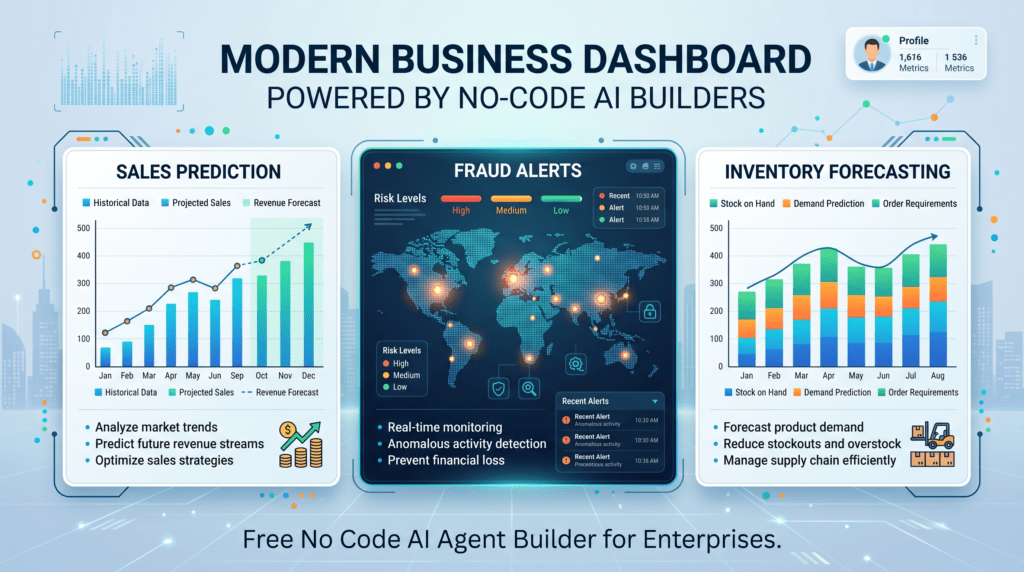
- Predictive Modeling: Forecast trends like sales dips or customer churn.
- Natural Language Processing (NLP): Analyze text for sentiment, categorization, or summarization.
- Computer Vision: Detect patterns in images for quality assurance or anomaly detection.
- Workflow Automation: Connect AI outputs to tools like email, CRMs, or internal databases.
- End-to-End Solutions: Build chatbots, recommendation systems, and fraud detection workflows without coding expertise.
Tools for Building No-Code AI Solutions
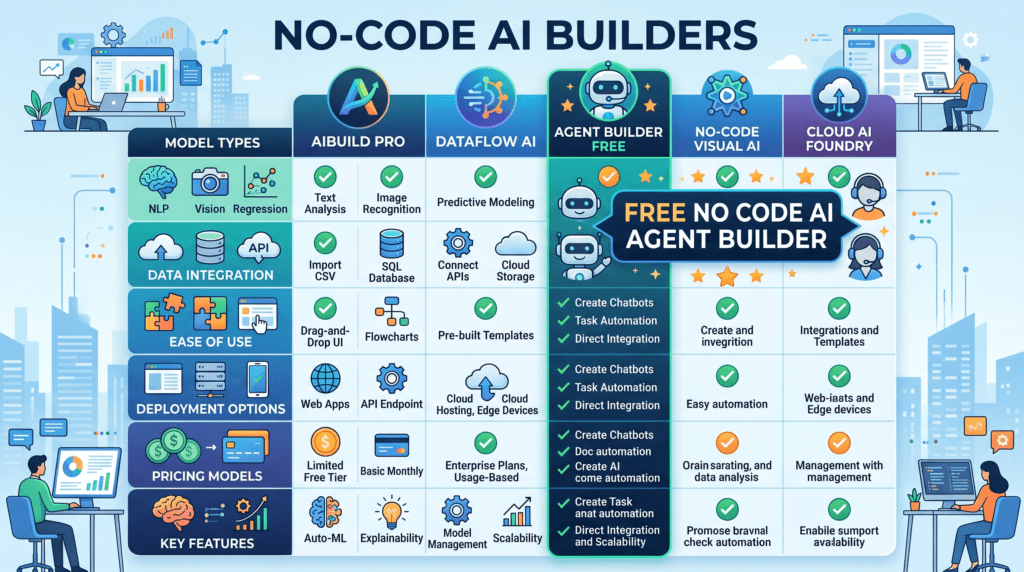
Several tools allow users to build AI models without coding. These platforms vary in focus, ease of use, and capabilities.
Popular No-Code AI Platforms
| Tool Name | Focus Area | Features |
|---|---|---|
| DataRobot | Enterprise AI | AutoML, predictive modeling, anomaly detection, workflow automation |
| H2O.ai | General-purpose AI | Drag-and-drop ML pipelines, data prep, AutoML, explainable AI |
| Lobe | Computer vision and image recognition | Image classification, object detection, simple drag-and-drop interface |
| Peltarion | Cloud-based AI modeling | NLP, predictive modeling, collaboration tools |
| Obviously AI | Quick predictive models | Excel/CSV integration, regression, classification, no code setup |
| Make.com + AI Plugins | Workflow automation | Integrates AI outputs into apps, CRMs, and notifications |
| OpenAI Playground | Generative AI applications | LLM-driven text generation, chatbots, report summaries |
How to Choose the Right Tool
- Determine business goals : predictive modeling, computer vision, or NLP.
- Check for integration options with existing systems.
- Consider scalability : cloud or on-premise deployment.
- Evaluate community support and tutorials for guidance.
Core Applications Across Industries
Enhancing Customer Experience
No-code AI builders improve customer interactions:
- Sentiment Analysis: Reads reviews and social media comments for customer insights.
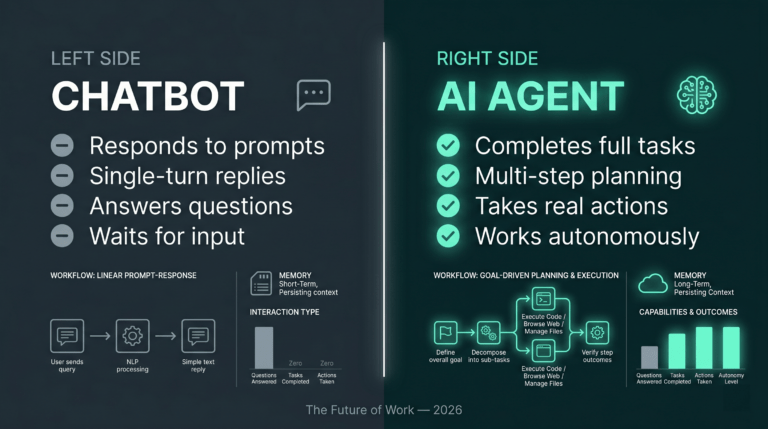
- Automated Chatbots: Provide 24/7 support for common queries.
- Personalized Recommendations: Suggest products or services based on previous interactions.
Example: An e-commerce store can boost cart value by 15% using a no-code AI recommendation engine.
Streamlining Operations and Prediction
AI enhances operational efficiency with features like:
- Demand Forecasting: Predict inventory requirements using sales history.
- Predictive Maintenance: Detect potential equipment failures before they happen.
Data Classification and Anomaly Detection
No-code AI simplifies complex data tasks:
- Classification: Automatically categorize documents, emails, or resumes.
- Anomaly Detection: Highlight unusual patterns in datasets for fraud detection or quality control..
Evaluating No-Code AI Platforms
Essential Features Checklist
| Feature | Importance |
|---|---|
| Data Connectors | Import data from Google Sheets, SQL, or APIs |
| Explainable AI (XAI) | Visualize why models make certain predictions |
| Scalability | Ensure the platform grows with your business |
| Community & Support | Tutorials, forums, and active user groups for guidance |
Data Preparation Made Simple
Data preparation can be challenging, but no-code platforms simplify it with:
- Drag-and-drop data import.
- Automated detection of missing values.
- Easy labeling and categorization.
- Batch testing before full-scale runs.
Deployment and Integration
Deploying models is straightforward:
- API Keys: Embed AI into apps and CRMs.
- Workflow Automation: Connect AI models with tools like Zapier or email automation.
- Sandbox Testing: Validate before production.
Building Your First AI Model: Step-by-Step
Step 1: Define the Problem and Upload Data
- Define objectives clearly (eg, predict customer churn).
- Choose metrics like retention rate or lifetime value.
- Upload data via CSV or database integration.
Step 2: Automated Model Training
- AutoML evaluates multiple algorithms such as decision trees or neural networks.
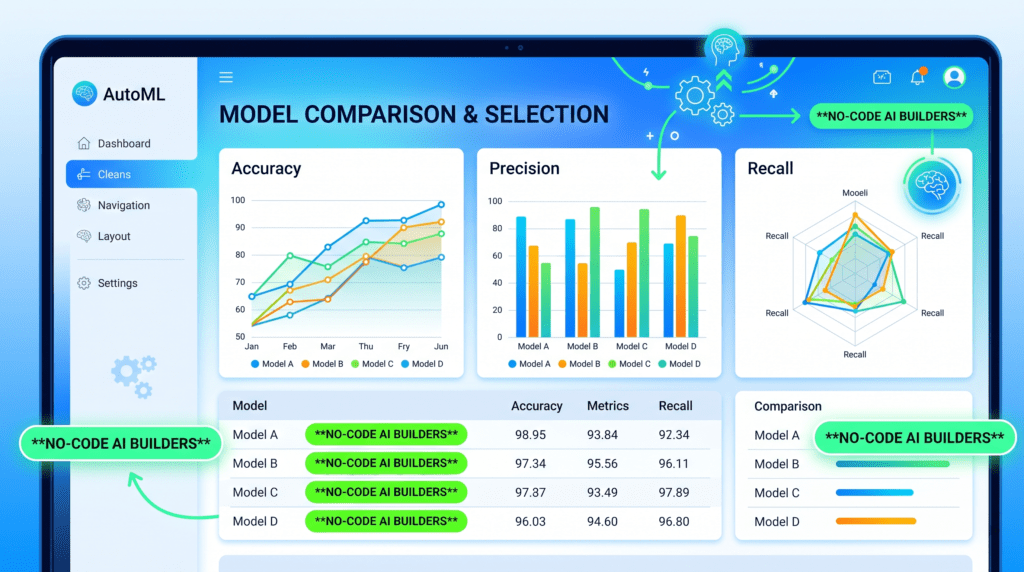
- Dashboards display performance metrics like accuracy and precision.
- Users select top-performing models visually.
Step 3: Validation and Deployment
- Use dashboards to monitor accuracy, precision, and recall.
- Iterate by adding data or adjusting parameters.
- Deploy with one click to APIs or apps.
- Conduct A/B testing post-launch to refine performance.
The Future of No-Code AI
Specialized Domain-Specific Builders
- Healthcare: Analyze medical scans and patient data.
- Manufacturing: Detect defects and optimize production lines.
- Agriculture: Predict crop yields and manage resources efficiently.
Ethical AI and Governance
- Built-in bias detection ensures fairness.
- Compliance with GDPR and other regulations is automatic.
- Users learn ethical AI practices while building solutions.
Convergence with Generative AI
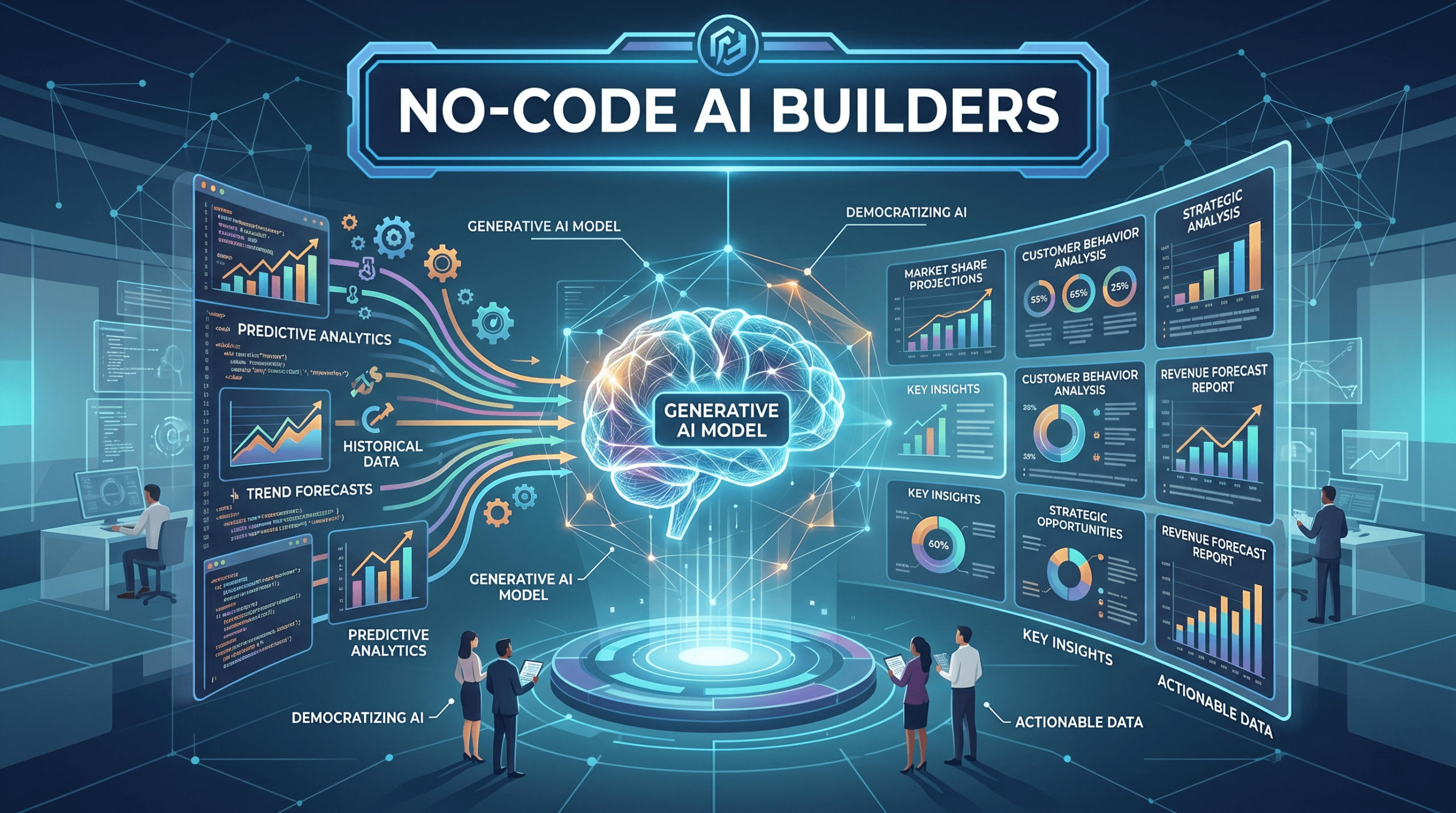
- LLMs generate reports or summaries from AI predictions.
- Combine predictive and generative AI to automate dashboards, alerts, and content.
- Future tools may allow entire apps to be created without coding .
Conclusion: Empowering Businesses with AI Accessibility
No-code AI builders provide advanced AI technology to teams without programming knowledge. They reduce barriers, accelerate development, and deliver measurable business value:
- Enhance customer interactions through chatbots and personalized recommendations.
- Improve operations with predictive maintenance and demand forecasting.
- Reduce losses with anomaly detection and fraud prevention.
Key Takeaways:
- Start with clear, well-defined problems.
- Evaluate platforms for usability, scalability, and ethical compliance.
- Test models iteratively and integrate them early.
- Explore generative AI to maximize automation and reporting.